



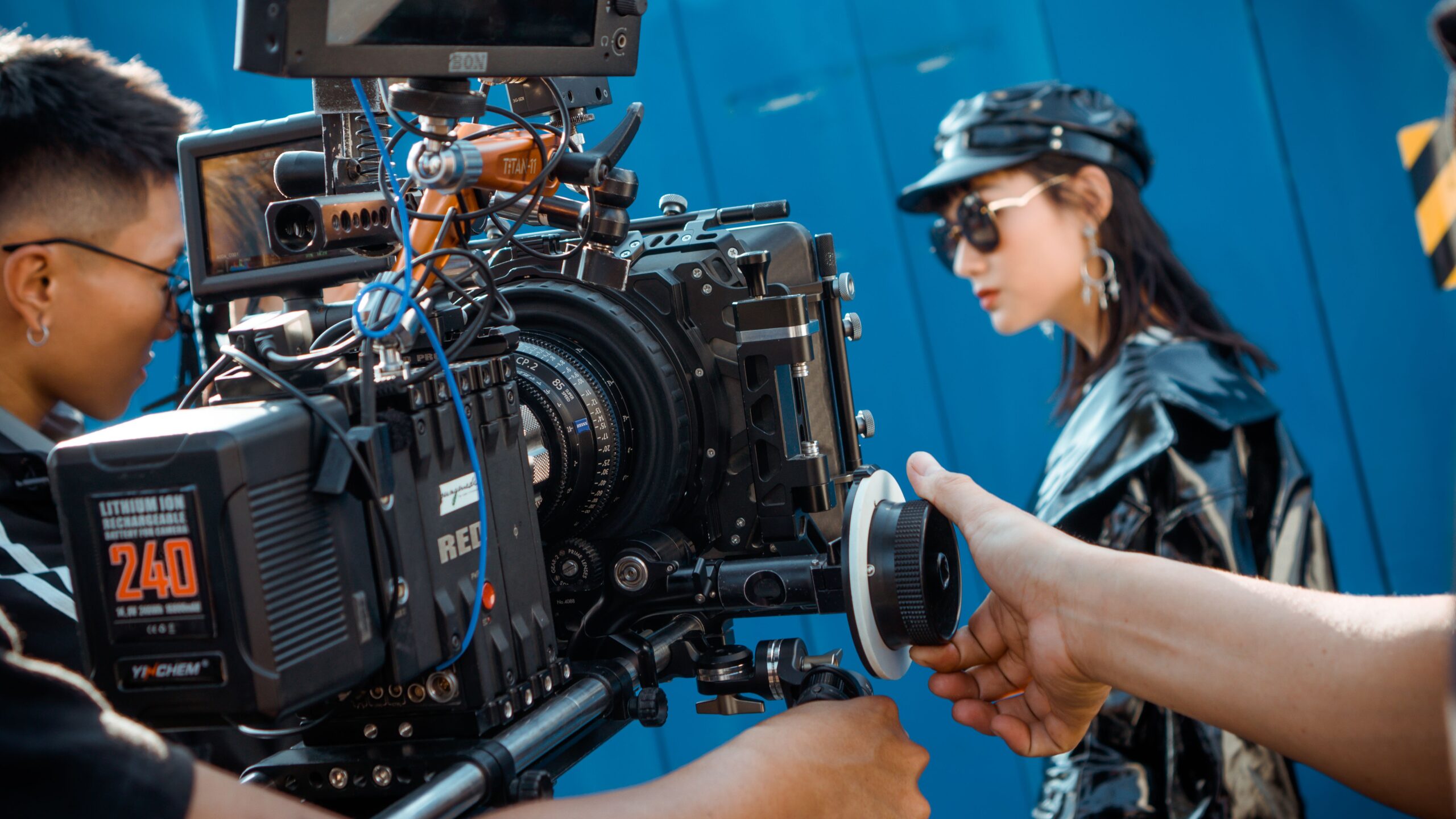
Let’s be honest for a second. You’ve watched those YouTube videos where the “pro” tells you to set your camera to 24fps, 1/48 shutter, and ISO 100, and suddenly… your footage still looks like a home video. What gives?
The truth is, cinematic video isn’t about magic numbers. It’s about understanding why these settings exist so you can use them like a painter uses brushes not like a robot following a recipe.
Here’s the human, practical, no-fluff breakdown of what actually matters.
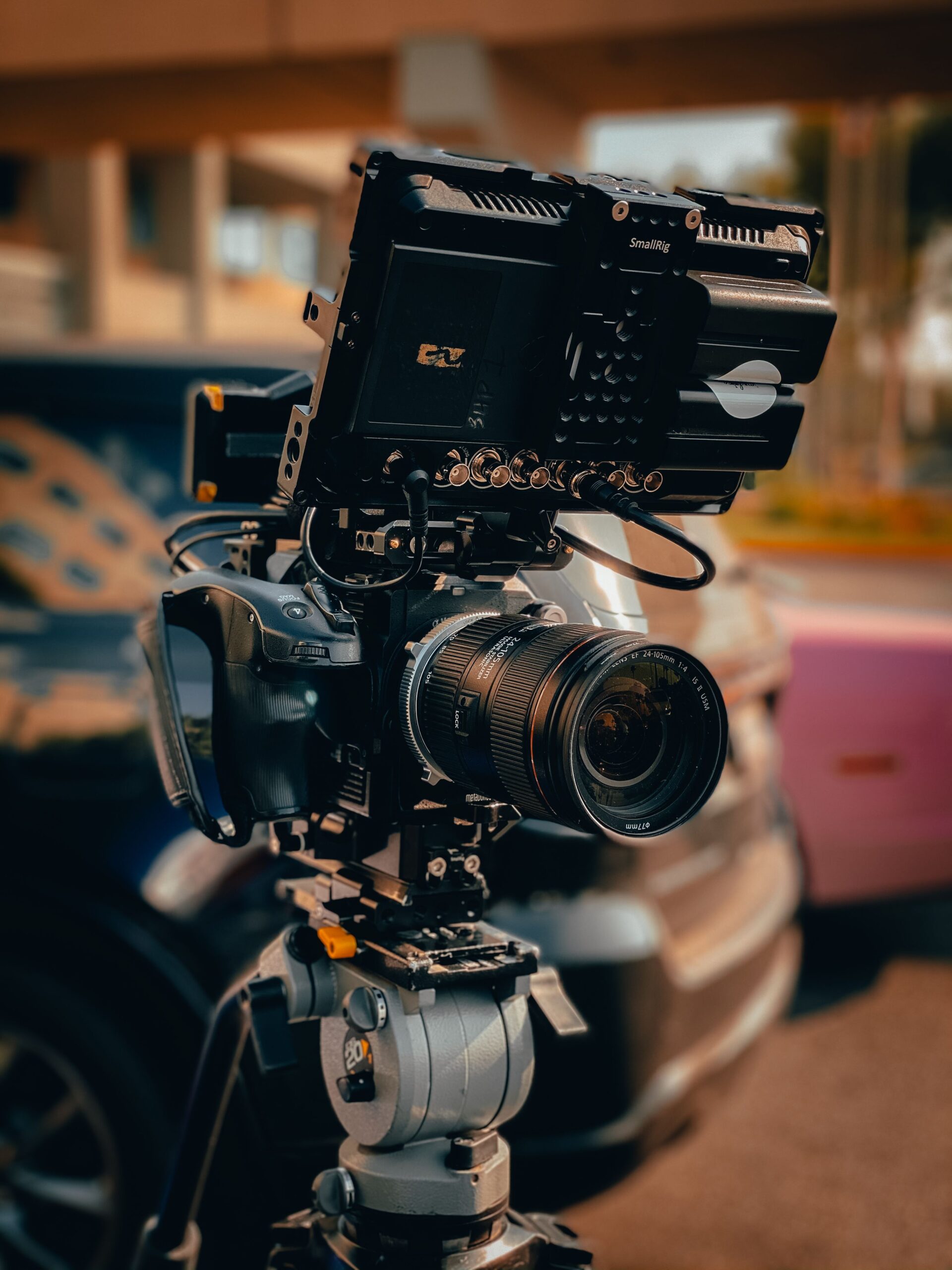
The Frame Rate Myth (And Why 24 FPS Isn’t Always Right)
What it is: Frames per second. How many still images your camera captures every second.
The “Cinematic” Rule: 24fps is the Hollywood standard. It gives that slightly dreamy, motion-blurred look we associate with movies.
The Human Reality: 24fps looks terrible on a bright sunny day with fast action. It’s a tool, not a religion.
-
24fps – Use this for narrative work, interviews, and anything where you want that “movie feel.” But know that panning the camera will look jerky. That’s not a flaw; it’s the look.
-
30fps – The unsung hero. Smoother than 24, still looks “professional.” Great for handheld work, documentaries, and when you’re shooting something with a lot of movement.
-
60fps (or higher) – Your slow-motion maker. Shoot this only if you know you’re slowing it down in post. Pro tip: never deliver your final video in 60fps unless you’re making sports highlights. It looks like a soap opera.
The Real Talk: If you’re shooting a vlog where you’re walking and talking, 24fps will make your audience dizzy. Switch to 30fps. I’ll wait while you process that sacrilege.
Shutter Speed: The 180-Degree Rule (And When to Break It)
What it is: How long each frame is exposed to light. Measured in fractions of a second (1/50, 1/100, etc.).
The “Golden” Rule: Your shutter speed should be double your frame rate. So for 24fps 1/50th of a second. For 30fps 1/60th.
Why this exists: It creates natural motion blur. Our eyes expect it. Without it, everything looks like a cheap reality TV show or a video game.
The Human Reality: This rule is useless indoors. Let me explain.
-
In bright sunlight: 1/50 at 24fps might overexpose your image even at ISO 100. You’ll need ND filters. If you don’t have them, you’ll have to increase your shutter speed. That’s fine! 1/100 or 1/125 is perfectly acceptable. Your audience won’t notice unless they’re pixel-peeping.
-
In low light: Sometimes you need to drop your shutter speed (1/30 or 1/40) to let in more light. This creates a “stutter” in movement but gives you a brighter image. It’s a creative choice, not a mistake.
-
Creative use: Faster shutter speeds (1/200+) give a “Saving Private Ryan” war documentary feel. Slower speeds (1/15) give a dreamy, surreal effect.
The Bottom Line: The 180-degree rule is a starting point. Use it as your baseline, but be willing to abandon it when the scene demands.
ISO: The Noise Monster (That’s Actually Your Friend)
What it is: Your camera’s sensitivity to light. Lower numbers = less sensitive. Higher numbers = more sensitive.
The Lie You’ve Been Told: “Keep ISO as low as possible to avoid noise.”
The Human Reality: Noise isn’t the enemy. Underexposed footage with noise is the enemy.
Here’s what nobody tells you:
-
A clean image at ISO 3200 is better than a dark, crushed image at ISO 100 that you push up in post-production.
-
Every camera has a “native” ISO the sweet spot where the sensor performs best. For many Sonys, it’s ISO 800. For Canons, often ISO 400. Find yours.
-
The Golden Rule of ISO: Expose to the right (slightly overexpose), then bring it down in post. This reduces visible noise. Your highlights might clip slightly, but you’ll have cleaner shadows.
-
Dual Native ISO: If your camera has it (like the Sony FX series or Panasonic GH series), use it. It’s literally two separate “clean” ISOs. Usually around 800 and 3200.
Real-world example: Shooting a candlelit dinner scene. At ISO 100, you’ll see nothing but black. At ISO 3200, you’ll see noise. But you’ll also see the warmth of the scene. The noise becomes part of the texture it looks more like film grain if done right.
My Rule: Start at your camera’s native ISO, then go up. Don’t worry about noise until you can actually see it ruining your image. Most modern cameras are good up to ISO 6400.
Color Profiles: Log vs. Standard (And Why You Might Hate Both)
What it is: How your camera processes color and contrast before saving the file.
The “Pro” Choice: Shoot in Log (S-Log, V-Log, C-Log) for maximum dynamic range. Then “grade” it in post to look natural.
The Human Reality: Log is a pain in the ass. Let’s be real.
Here’s the breakdown:
Standard/Neutral Profiles (Rec.709)
-
Pros: Looks good right out of camera. Easy to edit. Skin tones are reliable.
-
Cons: Less room to change color later. Highlights clip faster.
-
Best for: Run-and-gun, events, quick turnaround, and anyone who doesn’t want to spend hours color grading.
Log Profiles
-
Pros: Retains shadow and highlight detail. Massive flexibility in post.
-
Cons: Looks flat and gray. You can’t see what you’re actually shooting. Requires color grading.
-
Best for: Narrative work, music videos, any project where you have control and time.
Hybrid Option: Flat/HLG Profiles
-
Pros: More dynamic range than standard, but easier to grade than Log.
-
Cons: Less flexibility than pure Log.
-
Best for: YouTube creators, documentarians, and anyone who wants a middle ground.
The Real Talk: If you’re just starting, don’t shoot Log. I repeat: DO NOT SHOOT LOG. You’ll be staring at flat, washed-out footage wondering why your “cinematic” video looks like a zombie movie. Instead, shoot in a neutral profile, get the exposure right, and learn to color grade that. Then graduate to Log when you understand exposure.
The Practical Recipe (That Actually Works)
Here’s what I actually use on most shoots:
-
Frame Rate: 24fps for interviews/narrative, 30fps for handheld/b-roll.
-
Shutter Speed: Double the frame rate (1/50 or 1/60). If I need ND filters, I use them. If I don’t have them, I increase shutter speed.
-
ISO: Native ISO of my camera (ISO 800 on my Sony). I’ll go to ISO 1600 if I need to. ISO 3200 if I’m desperate. I never judge noise until I see the footage on a 4K monitor.
-
Color Profile: I use a “flat” profile (like S-Log 3 on Sony, but with a LUT applied to the viewfinder so I can see what I’m doing). If I’m in a hurry, I use the standard profile and make minor adjustments.
The Secret Sauce: Good lighting and composition matter more than all these settings combined. You can have perfect settings and shoot something boring. Or you can have imperfect settings and shoot something magical.
The Worst Mistake You Can Make
Forgetting to switch settings between shots.
I’ve done it. You’ve done it. You shoot a beautiful golden hour sunset at 24fps, then move indoors and forget to change from 1/50 to 1/60. Or you leave ISO at 6400 from yesterday’s night shoot and blow out your daytime footage.
My system: Before every new scene or change of location, I run through this checklist:
-
Frame rate?
-
Shutter speed?
-
ISO?
-
White balance?
-
Color profile?
It takes 10 seconds and saves hours in post.
The Honest talk
There’s no “best” setting for cinematic videos. There’s only what works for your story, your light, and your camera.
-
Caleb started shooting at 30fps with standard color because he had no patience for Log. His audience never noticed.
-
Maria shoots everything in 24fps Log because she loves the color grading process. Her audience notices the richness.
-
Jake shoots 60fps and slows everything down because he likes the dreamy look. His audience thinks it’s “cinematic” and they’re right for his content.
The rules exist to teach you. Once you know them, you can break them.
Your audience isn’t counting pixels or analyzing motion blur. They’re feeling the emotion of the scene. Focus on that, and your settings will become second nature.
Now go shoot something. And don’t stress the settings too much you can always fix it in post. But seriously, try to get it right in camera first. Your future self will thank you.
if you think we ain’t making sense or you have any problem you are facing drop your comment blow we will tackle it.
